Download, install, and create your Webstack Tool account in a few simple steps. Follow this guide to start using available SEO, design, content, video, and marketing SaaS tools on Windows.
Step 1: Keep the Download
If Edge blocks the download, confirm it came from the official Webstack Tool website and select Keep anyway.
Step 2: Open Download Options
Find Webstack Tool Setup 1.1.0.exe in the Downloads panel and open its options.
Step 3: Confirm the Installer
Select Keep anyway only if you trust the official download source. Otherwise, delete the file.
Step 4: Open the File
Once the download is complete, click Open file to start installation.
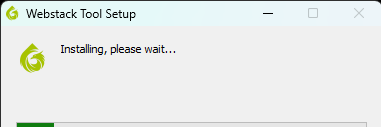
Step 5: Install Webstack Tool
Wait while Windows installs Webstack Tool. The software will open when installation finishes.
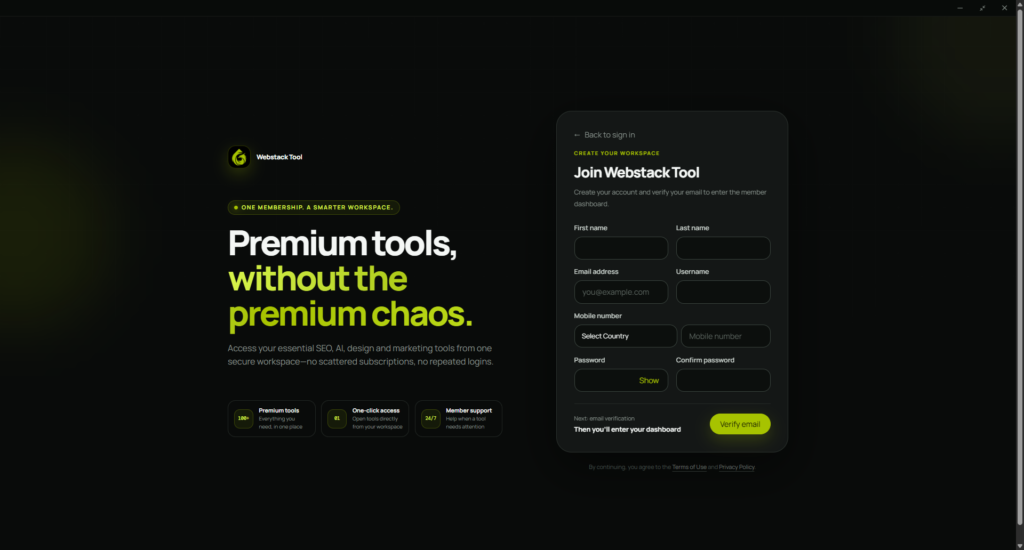
Step 6: Create Your Account
Complete the signup form inside Webstack Tool and click Verify email.
Step 7: Open Your Tools
Sign in to view your dashboard, then select Open tool to launch an available SaaS tool.